
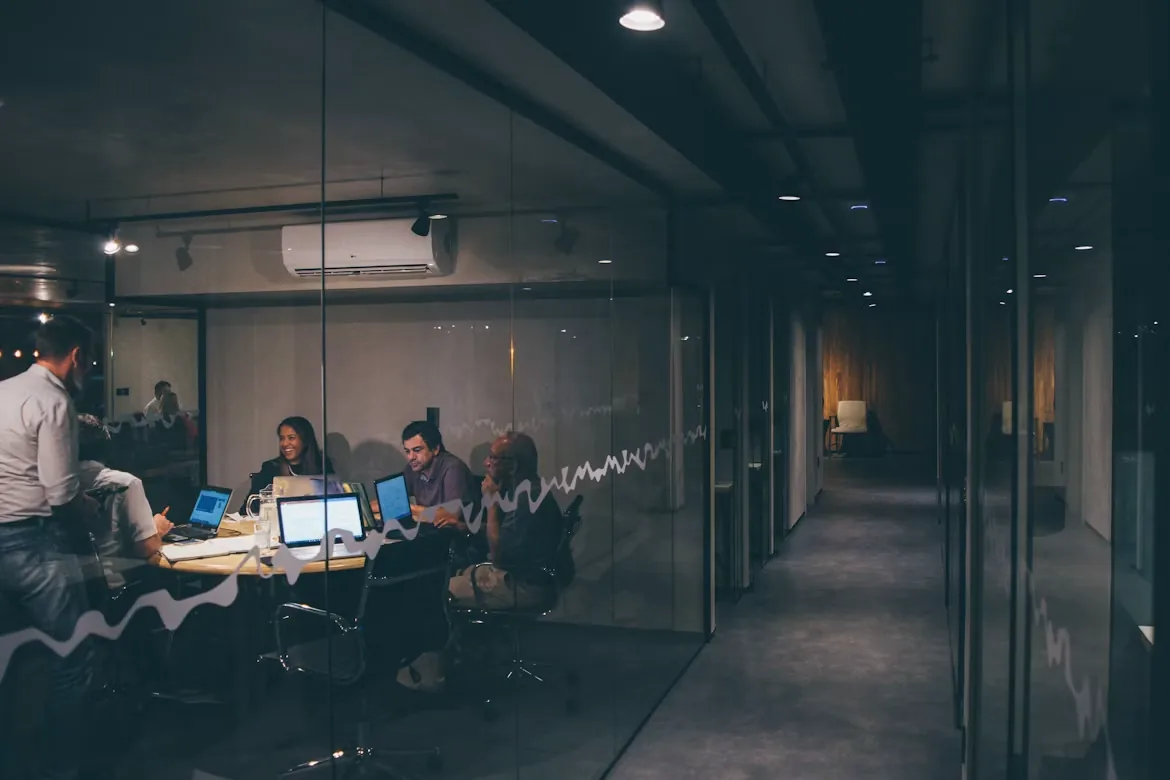
Meeting rooms built around how you work
Bring people in the room and remote participants into the same conversation. We help businesses plan conference room technology around clear audio, useful camera views, easy content sharing, and controls employees can understand.
Through Inland Tech Solutions and our parent business, Inland AV Solutions Inc., you can coordinate the room installation with the network, accounts, and ongoing IT support behind it. We serve offices in Calimesa, Yucaipa, Redlands, Beaumont, Riverside, San Bernardino, and nearby communities.
From huddle spaces to conference rooms
A small meeting space may suit a video bar and display. A larger room may need separate cameras, microphones, speakers, and room controls. We start with seating, room dimensions, acoustics, lighting, existing equipment, and the platforms your team uses.
- Video conferencing and presentation displays.
- Microphone pickup and loudspeaker coverage for the seating layout.
- Microsoft Teams Rooms, Zoom Rooms, or laptop-based meeting workflows.
- Content sharing, touch controls, and practical cable connections.
- Network access, room accounts, licensing, and device administration.
Technology selected for the room
We can discuss solutions from these manufacturers as part of a room-specific design. Final equipment and compatibility are confirmed together before purchase.
Logitech
Video bars, cameras, and touch controls for straightforward conferencing workflows.
Lenovo
ThinkSmart room computing and conferencing systems for dedicated meeting spaces.
Q-SYS
Integrated audio, video, and control for rooms that need a more customized experience.
Shure
Conferencing microphones and audio processing to help remote participants hear the discussion.
Design, installation, and a usable handover
We review the space and meeting workflow, develop an equipment and installation scope, and agree on scheduling before work begins. Inland AV Solutions handles the AV installation project; ITS can coordinate the supporting network and business systems.
The handover should include a real meeting test, content-sharing checks, user guidance, and documentation of equipment and administrative access. Ongoing support, subscriptions, and future changes are defined separately so you know what is included.
Explore conference room and AV installation with Inland AV Solutions →
Common conference room questions
Can we use our existing display or camera?
Possibly. We review connections, performance, platform compatibility, and the room layout before recommending what to retain or replace.
Do we need a dedicated room system?
A dedicated room system can simplify joining scheduled meetings. A laptop-based setup may fit a flexible space better. We compare the user experience, licensing, and support requirements with you.
Can ITS support the room after installation?
Covered devices, account management, updates, and support arrangements can be included in a scoped managed-services agreement. Installation alone does not automatically include ongoing support.
Related business technology services
Let’s plan your project.
Tell us about your location, existing equipment, and what you want to improve. Serving businesses in San Bernardino and Riverside counties from Calimesa.
Discuss your project →(909) 570-1098